
Signing in to CoreCMS | CoreCMS guides
Sign in through your own website, using the email address associated with your CoreCMS account.
How to use it
- Go to
/cc_adminon your website. - Enter your email address and password.
- Complete any additional verification requested by the sign-in screen.
- When you finish working, sign out, particularly on a shared device.
Before you finish
If sign-in fails, check the website address and your email before retrying. If the account is blocked or you cannot recover access, contact your administrator. Never include your password in a support request.
Related guides
- Accessing CoreCMS
- Account security and access restrictions
- Understanding the CoreCMS interface
- Getting help with CoreCMS
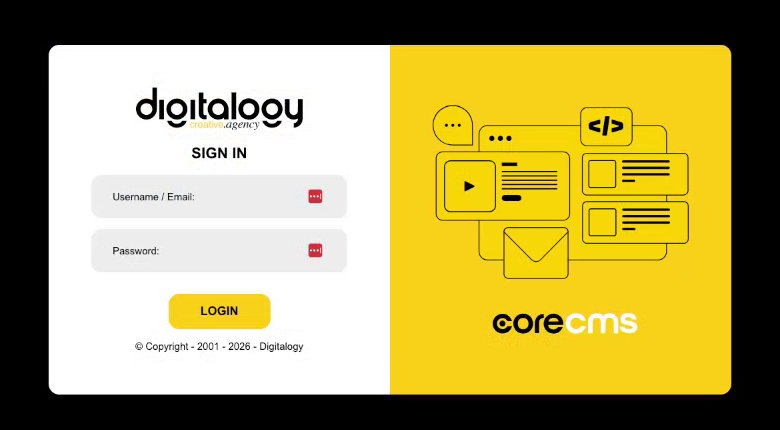
The CoreCMS sign-in screen. Select the image to view it at full size.
- Accessing CoreCMS
- Understanding the CoreCMS interface
- The administration sidebar
- Using the page builder
- Containers, rows and columns
- Adding and editing components
- Page-specific settings
- Saving and publishing changes
- Before you publish
- Desktop, tablet and mobile layouts
- Managing columns and alignment
- Saved Blocks and reusable layouts
- Buttons and linked content
- Page revisions and restoring content
- Duplicating a page
- Media Manager
- Plugins and modules
- Getting help with CoreCMS
- CoreCMS: start here
- CoreCMS Form Builder
- Website Analytics
- Managing website search
- DigiSEO: checking a page
- DigiAccess accessibility toolbar