
Accessing CoreCMS | CoreCMS guides
CoreCMS is the administration area for your website. You need an active account with permission to manage the relevant pages or tools. Your available options depend on your role and the features installed on your site.
How to use it
- Open your website address followed by
/cc_admin. - Sign in using the account supplied by your website administrator or Digitalogy.
- If your installation manages several sites, check the selected site before making changes.
- Use the administration sidebar to open pages, navigation, media or another available tool.
Before you finish
Use a separate account for each person. If a tool is missing, ask your administrator to check your permissions. Do not share passwords.
Related guides
- Signing in to CoreCMS
- Account security and access restrictions
- Understanding the CoreCMS interface
- Getting help with CoreCMS
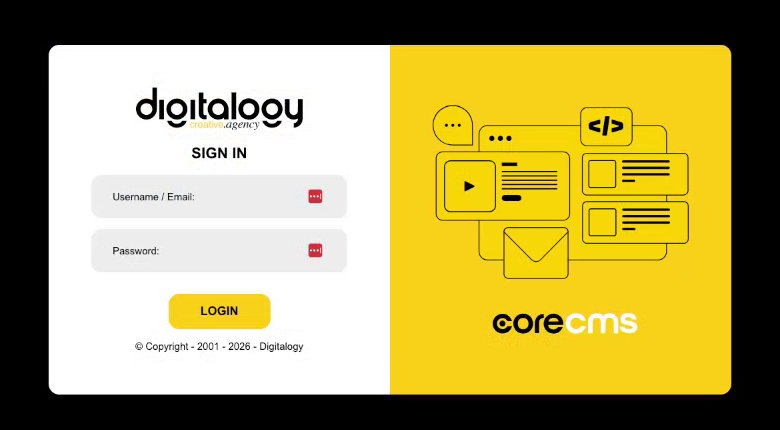
The CoreCMS sign-in screen. Select the image to view it at full size.
- Accessing CoreCMS
- Understanding the CoreCMS interface
- The administration sidebar
- Using the page builder
- Containers, rows and columns
- Adding and editing components
- Page-specific settings
- Saving and publishing changes
- Before you publish
- Desktop, tablet and mobile layouts
- Managing columns and alignment
- Saved Blocks and reusable layouts
- Buttons and linked content
- Page revisions and restoring content
- Duplicating a page
- Media Manager
- Plugins and modules
- Getting help with CoreCMS
- CoreCMS: start here
- CoreCMS Form Builder
- Website Analytics
- Managing website search
- DigiSEO: checking a page
- DigiAccess accessibility toolbar